
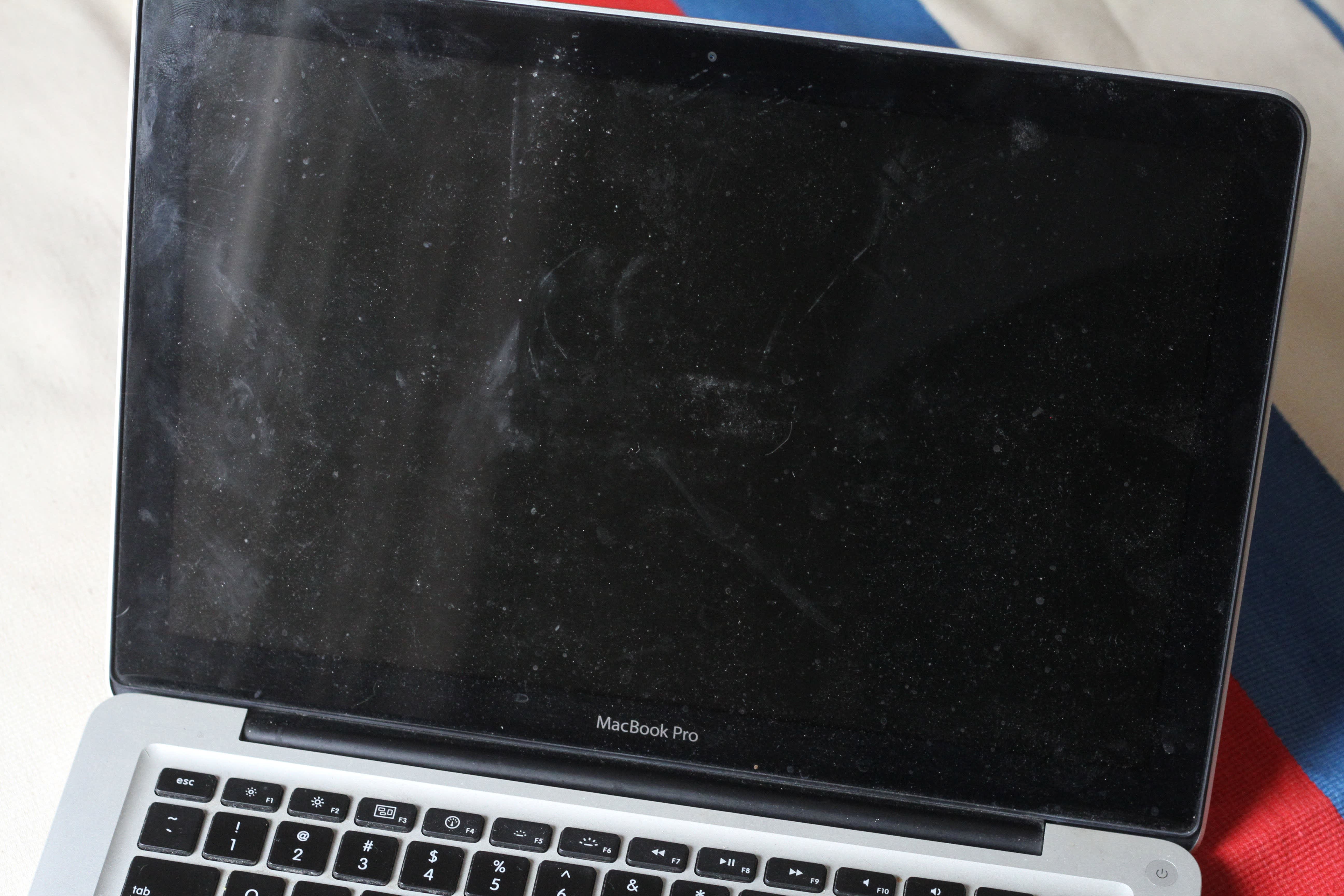
Is your laptop screen covered with stubborn smudges and streaks that just won’t go away no matter how hard you try? You’re not alone.
Cleaning your laptop screen might seem simple, but one wrong move can leave it streaky or even damage the delicate surface. Imagine finally having a crystal-clear display that’s easy on your eyes and looks brand new every time you open your laptop.
In this guide, you’ll discover the easy, safe, and effective way to clean your laptop screen without leaving any streaks behind. Keep reading, and say goodbye to frustrating marks and hello to a spotless screen!
Credit: www.apartmenttherapy.com
Materials Needed
Cleaning your laptop screen without streaks starts with using the right materials. Choosing proper tools helps protect your screen and makes cleaning easier. Avoid rough fabrics or harsh liquids that can damage the surface.
Gather these simple items to get the best results. Each item plays a key role in removing dirt and smudges safely. Keep these materials ready before you begin cleaning.
Microfiber Cloth
A soft microfiber cloth removes dust and fingerprints gently. It traps dirt without scratching your screen. Avoid paper towels or rough cloths. They can leave scratches and fibers behind.
Distilled Water
Use distilled water to dampen the cloth lightly. It does not contain minerals that cause streaks or spots. Tap water may leave marks or damage the screen coating. Always apply water to the cloth, never directly on the screen.
Specialized Screen Cleaner
Special screen cleaners are made for delicate surfaces. They help remove oils and stubborn smudges without harming your display. Choose cleaners labeled safe for laptop or LCD screens. Use these only if distilled water is not enough.
Avoid Harsh Chemicals
Never use household cleaners, ammonia, or alcohol-based products. These chemicals can strip screen coatings and cause permanent damage. Avoid window cleaners and bleach. Stick to gentle solutions and soft cloths for safe cleaning.

Credit: www.youtube.com
Preparation Steps
Cleaning a laptop screen without streaks starts with proper preparation. These steps help protect your screen and ensure a clear, streak-free finish. Taking time to prepare will make the cleaning process easier and safer for your device.
Power Off And Unplug
Turn off your laptop completely before cleaning. Unplug it from any power source. This prevents electrical damage and avoids accidental key presses. A powered-off screen also shows dirt and smudges more clearly. Always ensure the laptop is cool to the touch before starting.
Remove Loose Dust
Use a clean, dry microfiber cloth to gently wipe the screen. This removes dust and loose particles that can cause scratches during cleaning. Avoid using paper towels or rough fabrics. Wipe in one direction with light pressure. Removing dust first helps prevent streaks later on.
Cleaning Techniques
Cleaning a laptop screen requires careful techniques to avoid streaks and damage. Choosing the right method helps maintain clarity and prolong screen life. Use gentle tools and proper motions for the best results. Below are effective cleaning techniques to keep your laptop screen spotless.
Dry Wiping Method
Use a soft, dry microfiber cloth to remove dust and loose dirt. Avoid paper towels or rough fabrics that can scratch the screen. Wipe gently in a single direction to prevent smudges. This method works well for light cleaning and daily maintenance.
Damp Cloth Method
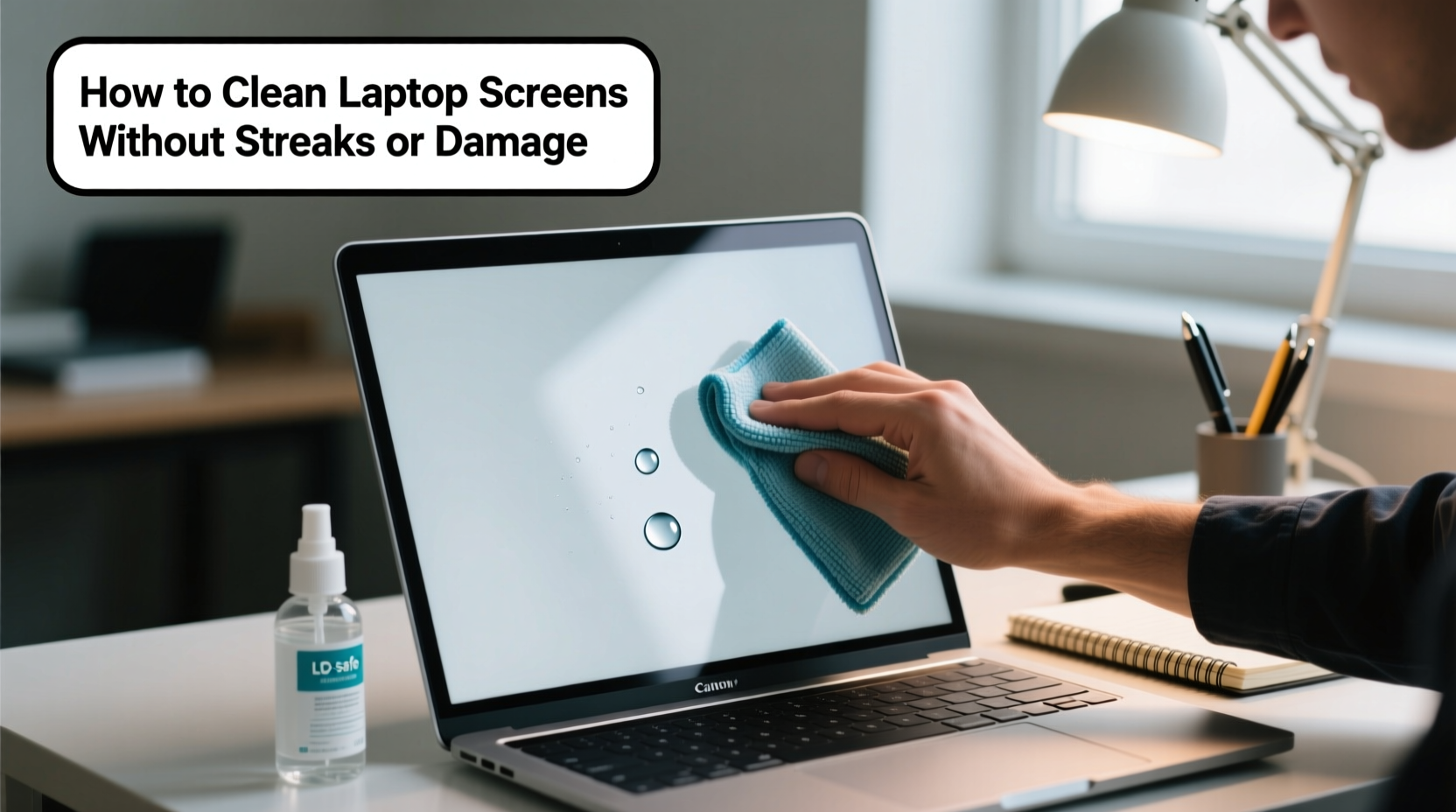
Lightly dampen a microfiber cloth with distilled water or a screen-safe cleaner. Never spray liquid directly on the screen. Wring out excess moisture to avoid drips. Gently wipe the screen using smooth, even strokes. This method removes fingerprints and stubborn marks safely.
Wiping Direction And Pressure
Wipe the screen in one consistent direction, such as top to bottom or side to side. Avoid circular motions that create streaks. Apply light pressure to protect the screen’s surface. Pressing too hard can cause damage or leave marks. Gentle, steady motions ensure a streak-free clean.
Credit: www.alibaba.com
Drying And Finishing
Drying and finishing your laptop screen cleaning is a vital step. This ensures no streaks or spots remain. Proper drying helps maintain the screen’s clarity and longevity. It also prevents moisture damage. Follow these simple steps to get a spotless finish.
Use A Dry Cloth
Take a clean, dry microfiber cloth. Avoid rough or paper towels that can scratch the screen. Gently wipe the screen in one direction. Use light pressure to lift any leftover moisture. This step removes streaks and smudges. Allow the screen to air dry for a few seconds after wiping.
Check For Remaining Streaks
Look at the screen from different angles. This helps spot any streaks or spots missed. If you see streaks, repeat wiping with the dry cloth. Use small, gentle circular motions to clear them. Avoid pressing hard to protect the screen surface. A clean screen is free of marks and looks even.
Common Mistakes
Cleaning a laptop screen without leaving streaks can be tricky. Many people unknowingly make mistakes that damage the screen or leave marks behind. Understanding these common mistakes helps you avoid streaks and keep your screen clear.
Using Glass Cleaners
Glass cleaners contain harsh chemicals like ammonia. These chemicals can damage your laptop’s screen coating. They may cause fogging or yellow spots over time. Use only cleaners made for electronics or plain distilled water. This keeps your screen safe and streak-free.
Spraying Liquid Directly
Spraying liquid directly onto the screen can cause drips. Liquid may seep inside the laptop and damage internal parts. Always spray the cleaner onto a cloth first. Then gently wipe the screen with the damp cloth. This method prevents moisture damage and streaks.
Using Paper Towels Or Rough Cloths
Paper towels and rough cloths can scratch your screen. They leave behind lint and tiny scratches that worsen with time. Use a soft microfiber cloth instead. Microfiber cloths clean gently and remove dust without harming the screen. This keeps your laptop looking new longer.
Safe Homemade Solutions
Cleaning your laptop screen using safe homemade solutions protects it from damage. Harsh chemicals can strip coatings and cause streaks. Simple ingredients found at home can clean effectively and gently. These natural options help remove dirt without leaving marks or residue. Use care to keep your screen clear and bright.
Water And Vinegar Mix
A mix of water and vinegar works well for cleaning screens. Use equal parts distilled water and white vinegar. Distilled water avoids minerals that cause spots. Vinegar cuts grease and grime without harsh chemicals.
Lightly dampen a microfiber cloth with the mix. Wipe your screen gently in one direction. Avoid soaking the cloth to prevent liquid damage. This solution cleans without streaks or residue.
Avoid Alcohol And Bleach
Do not use alcohol or bleach on laptop screens. These substances can damage coatings and cause discoloration. They may also dry the screen surface too much, leading to cracks or spots.
Stick to gentle cleaners like water and vinegar. Alcohol and bleach are too harsh for delicate screens. Keeping your cleaning routine simple protects your laptop’s display quality.
Tips For Touch Screens
Touch screens need special care during cleaning. Their sensitive surface and coatings require gentle handling. Streaks and damage can happen easily without the right method. Follow these tips to keep your touch screen clean and clear.
Avoiding Damage To Coatings
Many touch screens have anti-reflective or oleophobic coatings. These protect against fingerprints and glare. Harsh cleaners or scrubbing can wear these coatings off. Use only soft, lint-free microfiber cloths for wiping. Never press hard or use abrasive materials. Avoid spraying liquids directly on the screen. Always apply cleaner on the cloth first. This prevents liquid from seeping inside and causing damage.
Recommended Cleaners
Distilled water is the safest cleaner for touch screens. It avoids mineral spots and streaks. For tougher smudges, use a screen cleaner made for electronics. Check the label to ensure it is alcohol and ammonia-free. Avoid household glass cleaners or bleach products. These chemicals can strip protective coatings. Lightly dampen the cloth with cleaner before wiping. Use gentle, circular motions to lift dirt without streaks.
Frequently Asked Questions
What Is The Best Way To Clean A Laptop Screen With No Streaks?
Use a dry microfiber cloth to wipe dust gently in one direction. Lightly dampen the cloth with distilled water or screen cleaner for smudges. Never spray liquid directly on the screen to avoid streaks and damage. Dry with a clean, dry cloth afterward.
Can I Use Windex On My Laptop Screen?
No, avoid Windex on laptop screens. Its ammonia harms anti-glare coatings and can cause permanent damage. Use a microfiber cloth lightly dampened with distilled water or a screen-safe cleaner instead. Always apply liquid to the cloth, never spray directly on the screen.
What Household Products Can I Use To Clean My Computer Screen?
Use a microfiber cloth dampened with a 50/50 mix of distilled water and white vinegar. Avoid harsh cleaners like Windex or ammonia-based products. Never spray liquids directly on the screen to prevent damage.
Can I Use Eyeglass Wipes On My Computer Screen?
Eyeglass wipes may contain alcohol or abrasives that can damage your computer screen’s coating. Use a microfiber cloth with distilled water instead.
Conclusion
Cleaning your laptop screen carefully keeps it clear and streak-free. Use a soft microfiber cloth and gentle motions. Avoid harsh chemicals and spraying liquids directly on the screen. Lightly dampen the cloth with distilled water or a safe cleaner if needed.
Regular, gentle cleaning helps maintain your screen’s clarity and extends its life. Follow these simple steps for a bright, spotless display every time. Your laptop will look better, and your eyes will thank you.